

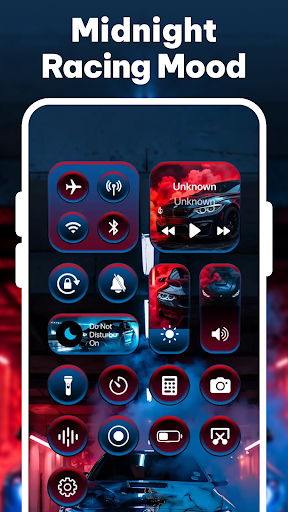
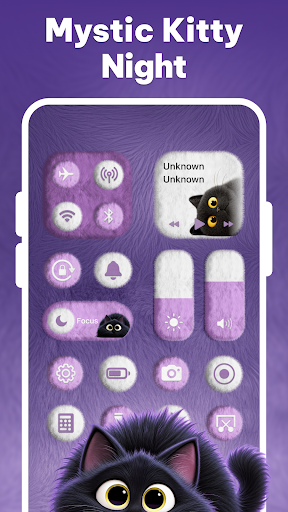
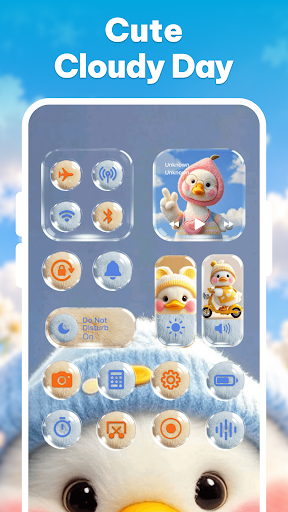
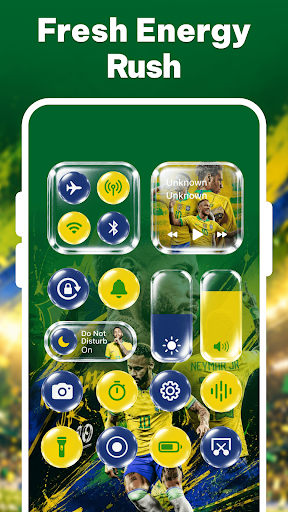
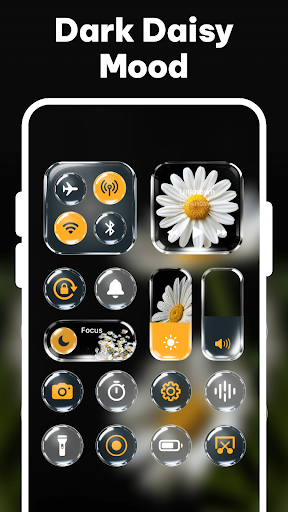
Control Theme: Custom Panel provides a customizable Android control center designed to streamline access to essential device settings, frequently used applications, and practical tools. Users can personalize the appearance and functionality of this central panel, tailoring its layout, colors, size, position, and transparency to match individual preferences. It allows for quick management of device functions and media playback, all from a single, accessible interface.
Personalized Control Panel and Themes
The app allows users to extensively customize their control panel’s visual style and layout. You can select from various built-in themes, including Cute, Minimal, Dreamy, Neon, and other aesthetic options, to transform the panel’s look. Beyond themes, the app supports granular adjustments to the control panel’s layout, enabling you to add, remove, or rearrange controls and favorite applications. You can also fine-tune colors, overall size, screen position, and transparency levels to create a unique interface. Additionally, useful widgets can be integrated into the panel for faster access to specific functions.
Integrated Device Management
This personalization tool acts as a central hub for managing core device settings and functions without navigating through multiple system menus. Users can swipe to open their custom panel and instantly adjust volume and screen brightness. It provides direct controls for Wi-Fi, Bluetooth, mobile data, and hotspot, along with the ability to toggle the flashlight, lock screen rotation, and switch between sound, vibrate, and silent modes. Furthermore, the panel includes controls for music playback and quick access shortcuts to common apps like Camera, Calculator, and Alarm.
Convenient Screen Tools
The app incorporates several quick tools directly into the custom control panel to enhance daily tasks. Users can take screenshots with a single tap and record their screen, with options for flexible audio settings. It also facilitates media playback control, allowing adjustments without needing to leave the current application. The inclusion of floating controls offers an alternative method for convenient device management, ensuring that essential functions are always within reach.
Accessibility Service Requirement
To enable certain features, including quick actions, media controls, screenshots, screen recording, floating controls, and access to selected device tools and shortcuts, Control Theme: Custom Panel utilizes the Accessibility Service API. This service is exclusively used to facilitate these specific functions and improve the overall user experience. The app explicitly states that it does not use Accessibility Services to collect, store, track, or share personal or sensitive user data, and all supported actions require user permission and interaction.






Write a review